Chapters
- 1What is SvgTrace?
- 2Create an account
- 3Sign in
- 4Upload your image
- 5Your picture converts automatically
- 6Retrace and Modify
- 7Meet the SVG Editor
- 8Work with colour layers
- 9Edit paths and shapes
- 10Save and reopen your design
- 11Export your file
- 12Trace Orders
- 13Free account and Pro
- 14Credits
- 15Generate, Resize and Bulk Convert
- 16If something looks wrong
- 17FAQ
- 18Get help
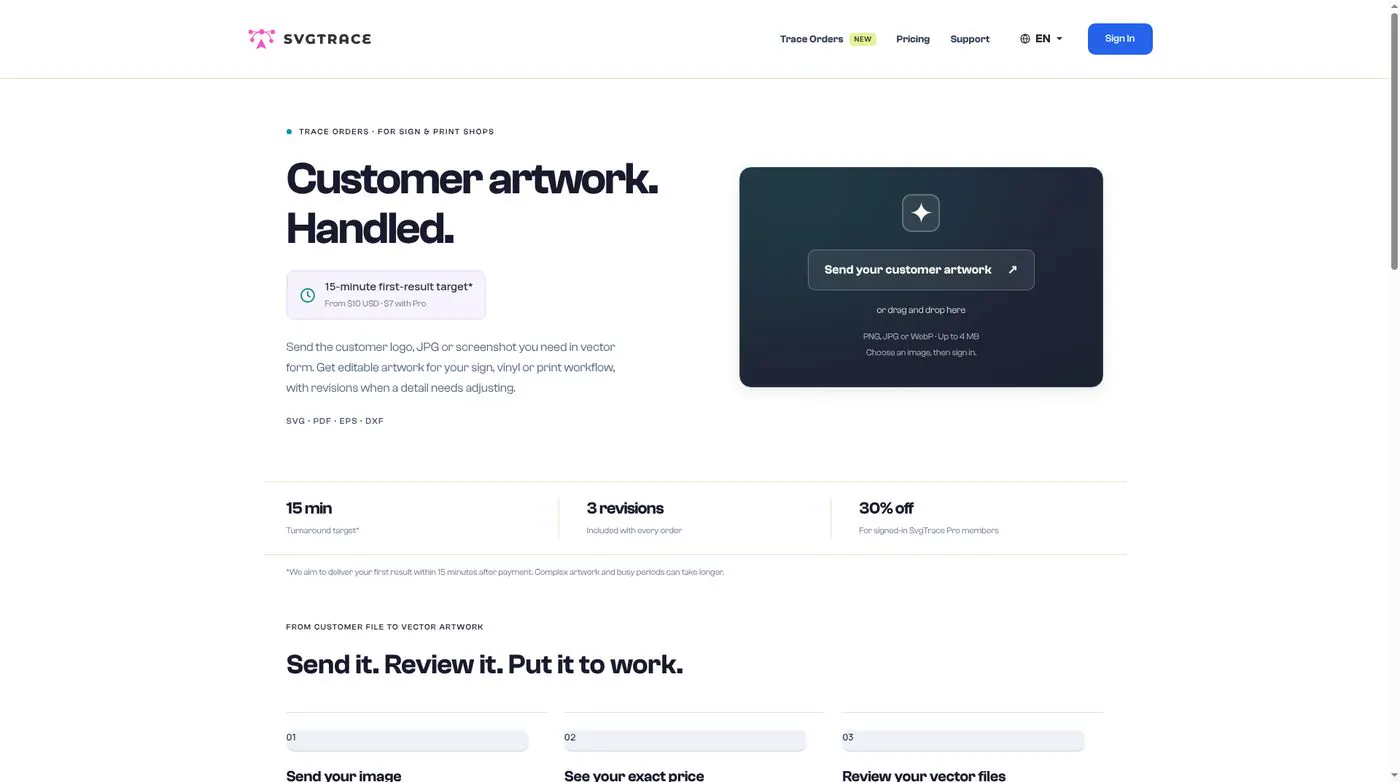
Rather have the SvgTrace team do it for you? Place a Trace Order at https://svgtrace.com/trace-orders.
Upload a PNG, JPG or WebP up to 4 MB.
Simple $10 ($7 with Pro), Medium $20 ($14 with Pro), Complex $40 ($28 with Pro). Pro members save 30%.
You get SVG, PDF, EPS and DXF files, with 3 revisions. The team aims to send the first result within 15 minutes.
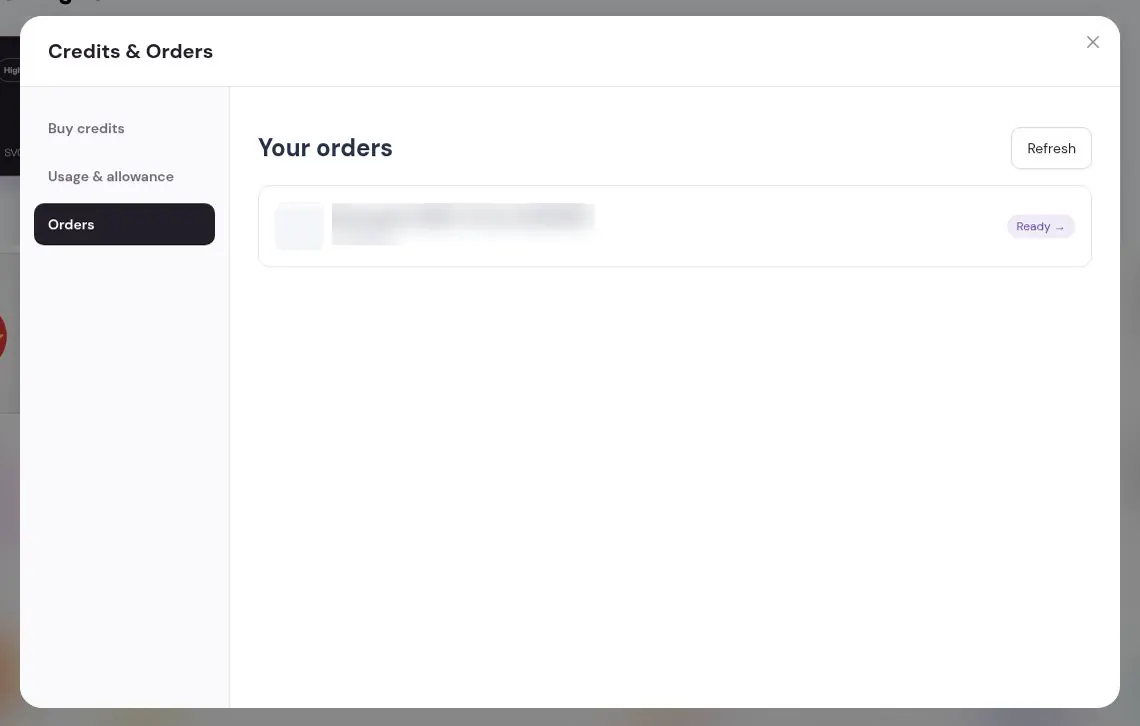
To see your past orders in the app, click your credits at the top of Home, then open Orders in Credits & Orders.