Chapters
- 1What is SvgTrace?
- 2Create an account
- 3Sign in
- 4Upload your image
- 5Your picture converts automatically
- 6Retrace and Modify
- 7Meet the SVG Editor
- 8Work with colour layers
- 9Edit paths and shapes
- 10Save and reopen your design
- 11Export your file
- 12Trace Orders
- 13Free account and Pro
- 14Credits
- 15Generate, Resize and Bulk Convert
- 16If something looks wrong
- 17FAQ
- 18Get help
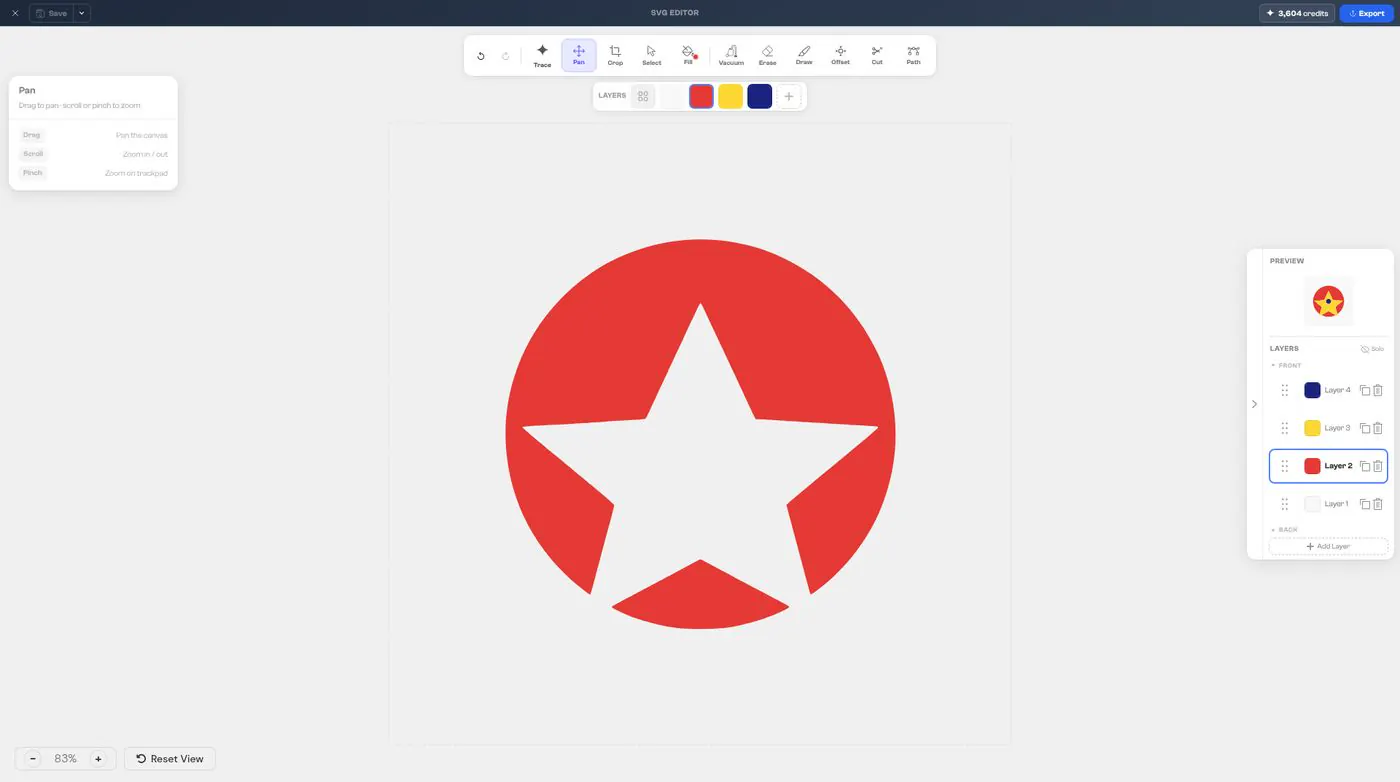
Every colour in your design is its own layer.
To work with a layer
- 1
Click a layer in the Layers panel to select it.
- 2
Drag a layer's handle to move it toward the front or the back. Use the icons on the row to duplicate or delete it, or click Add Layer.
- 3
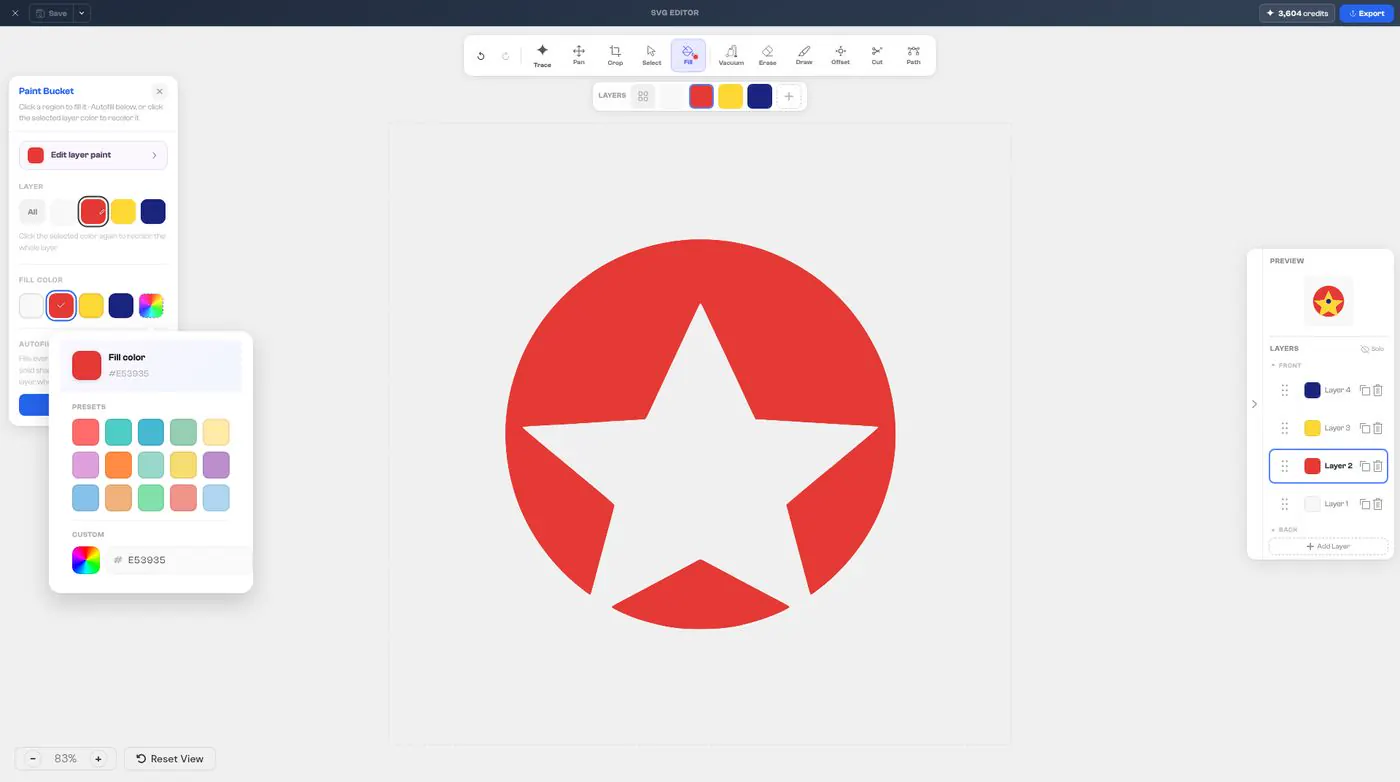
To change a layer's colour, click Fill in the toolbar, then pick one of the Presets, or click the colour wheel under Custom to choose and customize any colour. Typing a hex code is optional, for an exact match.