Chapters
- 1What is SvgTrace?
- 2Create an account
- 3Sign in
- 4Upload your image
- 5Your picture converts automatically
- 6Retrace and Modify
- 7Meet the SVG Editor
- 8Work with colour layers
- 9Edit paths and shapes
- 10Save and reopen your design
- 11Export your file
- 12Trace Orders
- 13Free account and Pro
- 14Credits
- 15Generate, Resize and Bulk Convert
- 16If something looks wrong
- 17FAQ
- 18Get help
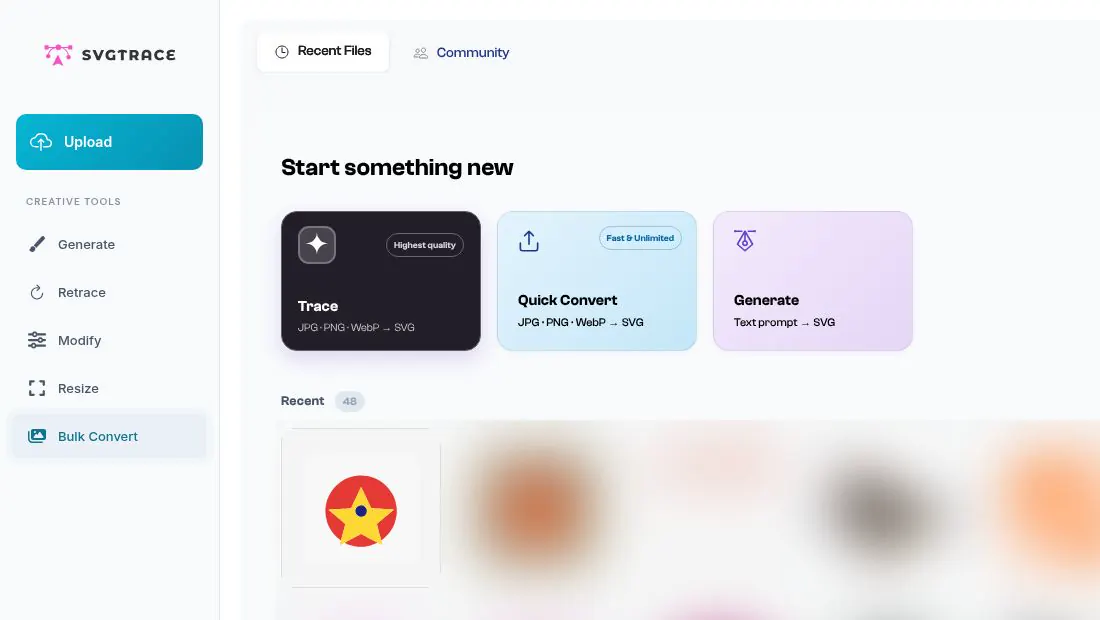
Home has a few more creative tools in the sidebar.
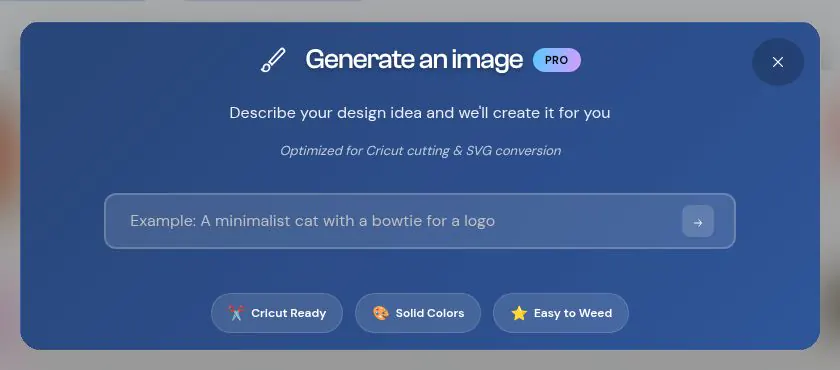
Generate creates an image from a text description. It is a Pro tool, and it uses credits.
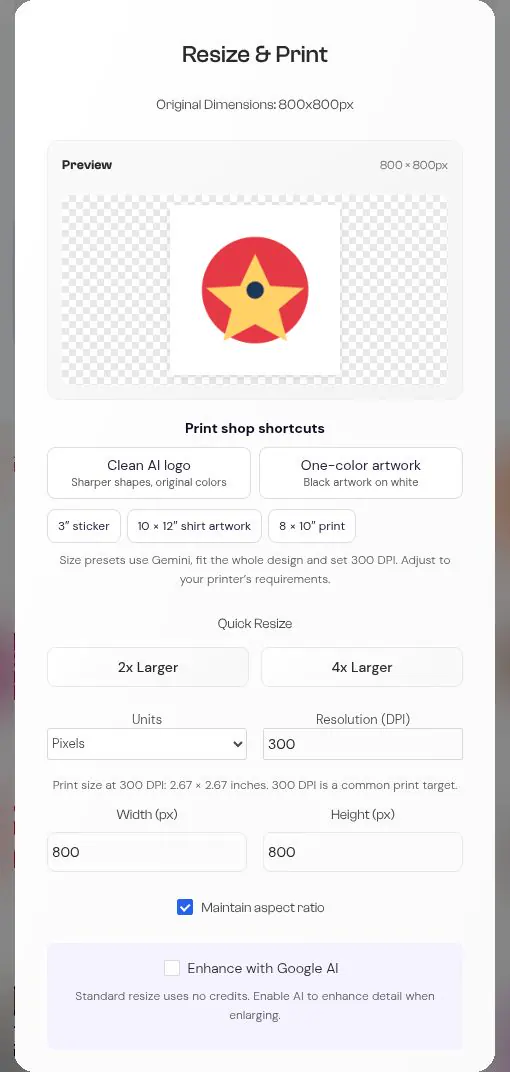
Resize opens Resize & Print, where you can set a print size. Standard resizing uses no credits. (The optional Enhance with Google AI box uses credits.)
Bulk Convert lets you pick two or more images and convert them all at once.