Chapters
- 1What is SvgTrace?
- 2Create an account
- 3Sign in
- 4Upload your image
- 5Your picture converts automatically
- 6Retrace and Modify
- 7Meet the SVG Editor
- 8Work with colour layers
- 9Edit paths and shapes
- 10Save and reopen your design
- 11Export your file
- 12Trace Orders
- 13Free account and Pro
- 14Credits
- 15Generate, Resize and Bulk Convert
- 16If something looks wrong
- 17FAQ
- 18Get help
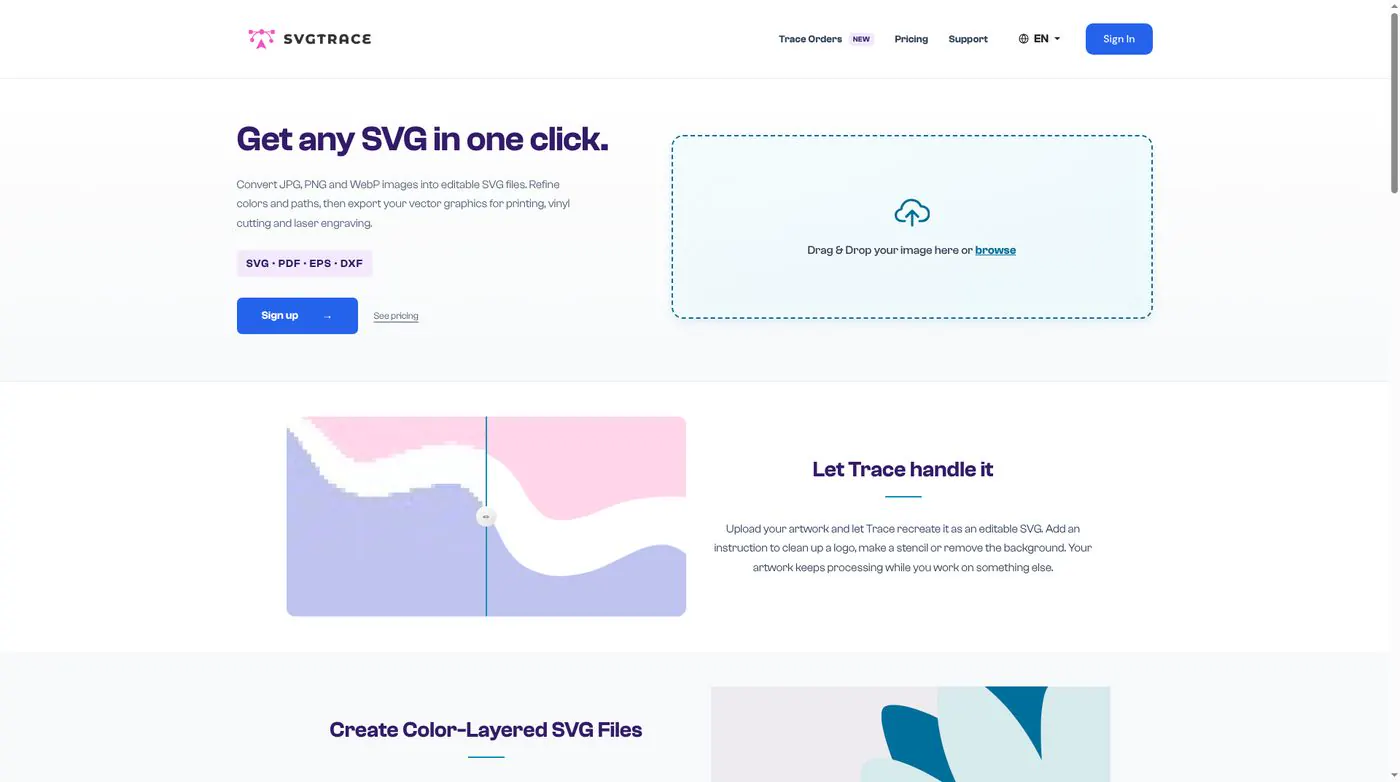
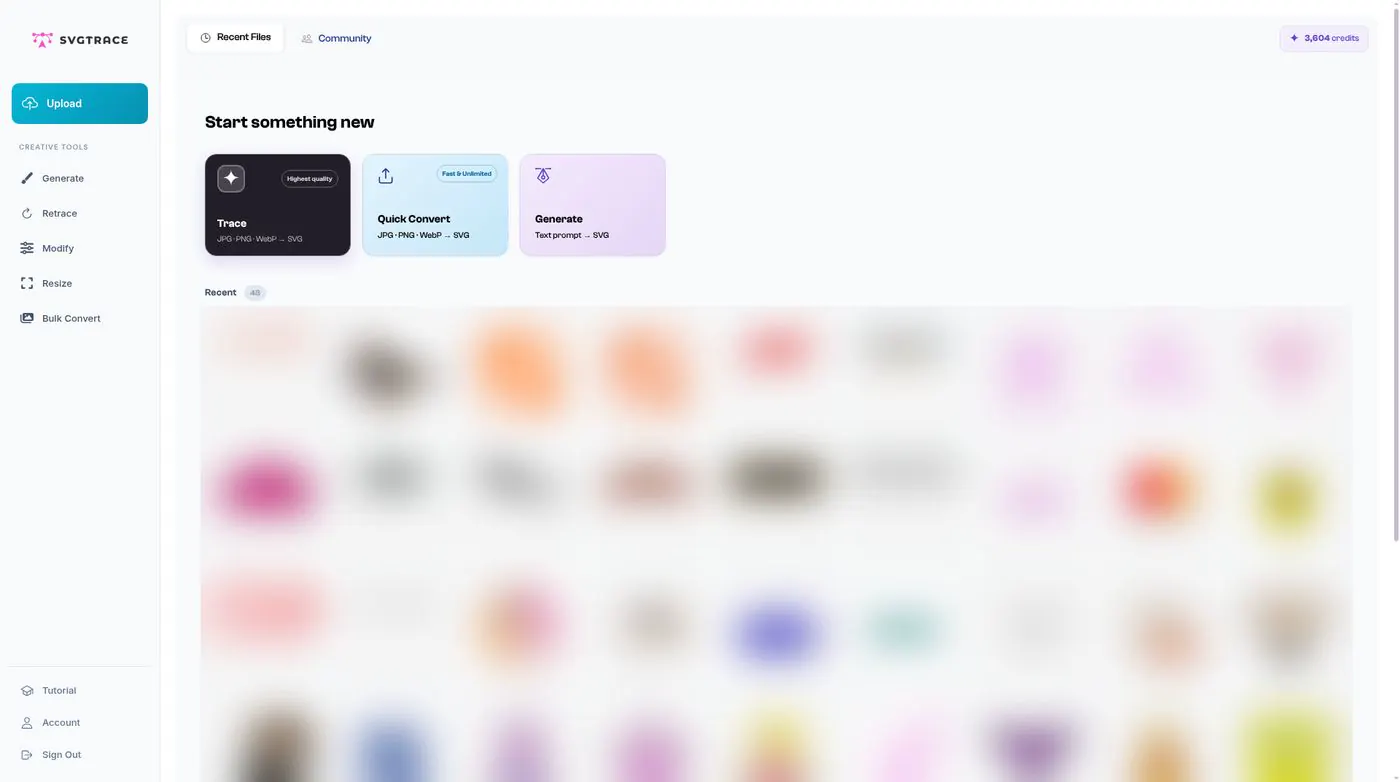
SvgTrace turns a picture into a clean SVG you can edit. It runs in your browser, so there is nothing to install.
Open it at https://pro.svgtrace.com. Use Chrome, Safari, Edge or Firefox on a Mac or Windows computer.
You upload a picture, SvgTrace splits it into colour layers, you tidy it up in the SVG Editor, and then you export SVG, PNG, PDF, EPS or DXF for cutting, printing or laser work.